KbdMouse
Turn your awesome keyboard into a mouse.
Keyboard-driven cursor control that brings your experience closer to the cursor's natural motion.
Download for macOS Everything shown here is controlled using only the keyboard.
Smooth cursor movement, inertial scrolling, and snap-to-items features make precise control possible.
It can also be used alongside your mouse, so you can move the cursor just a little more without taking your hands off the keyboard.
Features
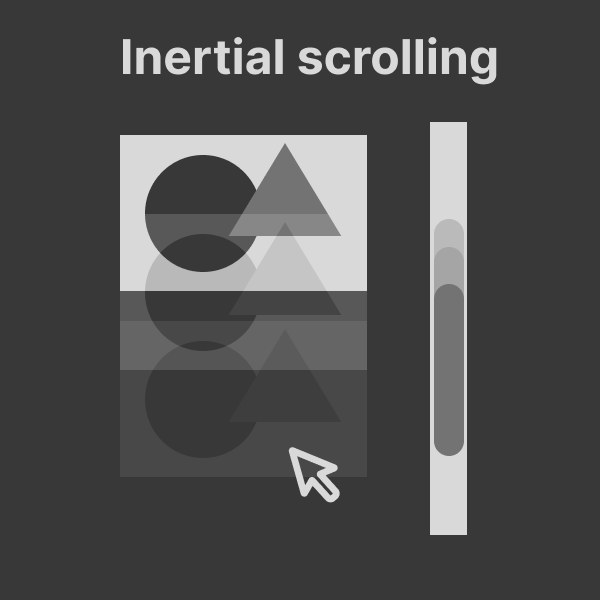
Inertial Scrolling
Experience trackpad-like momentum when scrolling with your keyboard. Release the scroll key and watch the page glide smoothly to a stop, just like natural scrolling.
Snap to Items
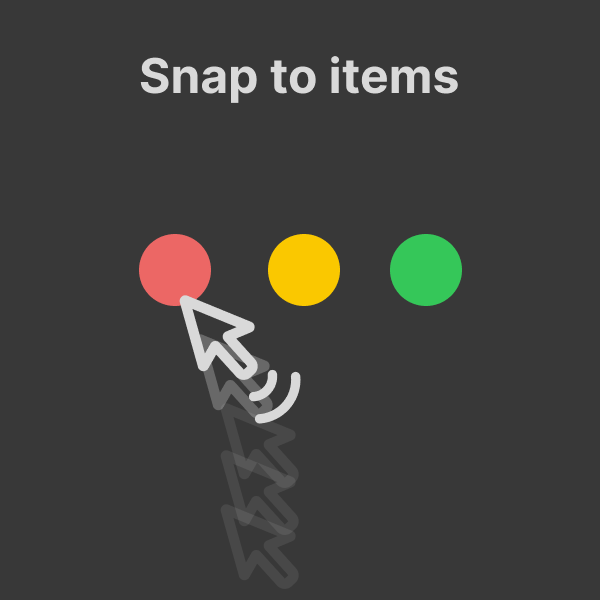
As your cursor approaches a button, icon, or interactive element, it gently snaps into place. No more pixel-hunting. Inspired by iPadOS cursor behavior.
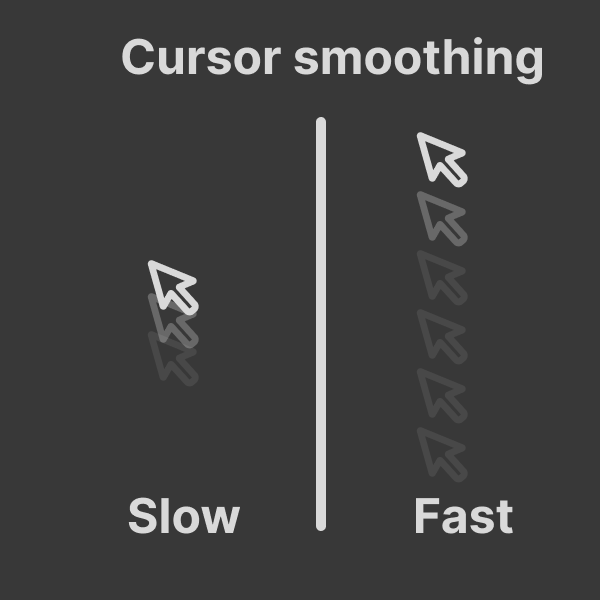
Cursor Smoothing
Adjust how smoothly your keyboard-driven cursor moves. Choose a slower, more precise stepping motion or a faster, fluid glide.
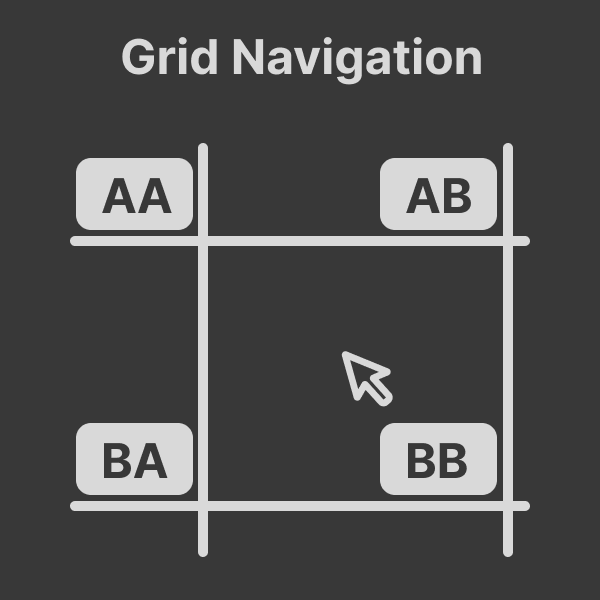
Grid Navigation
Divide your screen into a virtual grid and instantly teleport your cursor to any cell with a quick shortcut. Jump to roughly where you need to be, then fine-tune from there.
Preset Key Configs
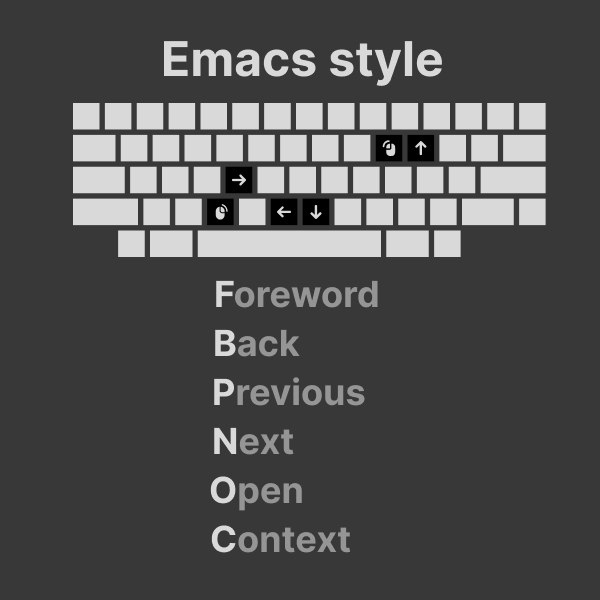
Emacs Style Navigation
Move your cursor using familiar Emacs keybindings: Control+N/P/B/F for down, up, left, and right.
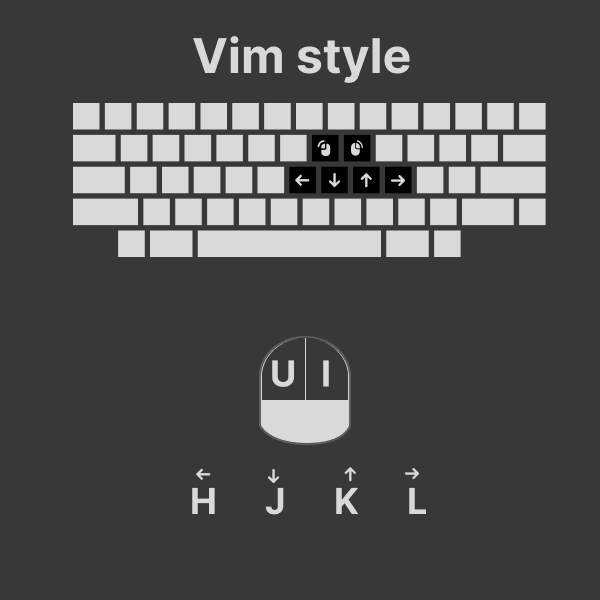
Vim Style Navigation
Navigate with Vim-style H/J/K/L keys for left, down, up, and right movement.
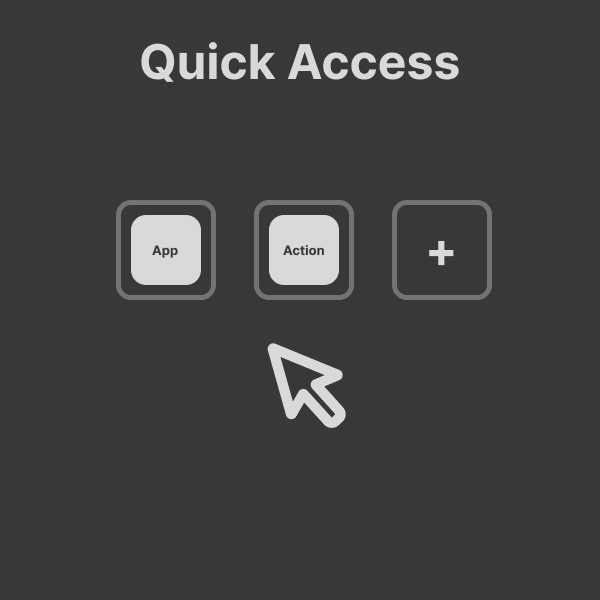
Quick Access
Launch your favorite apps and trigger common actions from a fast, keyboard-driven launcher. Stay in flow without context switching.