

Pin
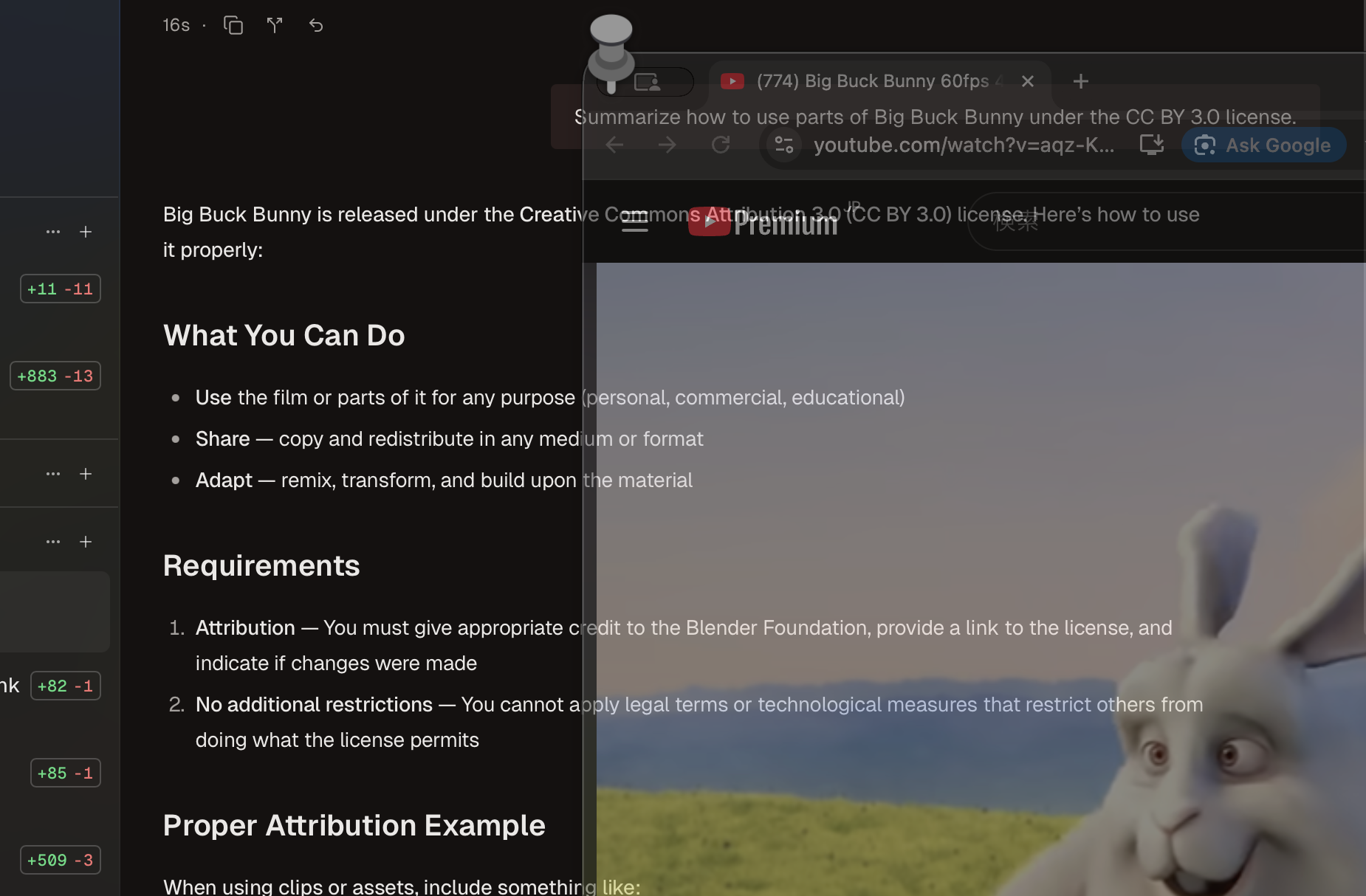
Keep any window always on top.
A lightweight macOS utility that lets you pin any window to stay visible above all others, keeping your important content always in view.
Download for macOS Simply select a window from the menu bar and it stays on top.
Perfect for keeping reference materials, video calls, or notes visible while you work.
Video contains "Big Buck Bunny" (c) copyright 2008, Blender Foundation / www.bigbuckbunny.org, licensed under Creative Commons Attribution 3.0.
Privacy
Concerned about this app capturing your screen?
Screen capture is only used to keep pinned windows on top.
This app does not collect any of your activity.
This app is open source. You can review the source code or build it yourself.
Features
Pin Any Window
Select any window from any application and keep it always visible on top of other windows. Perfect for tutorials, reference documents, or video calls that you need to keep in view.
Menu Bar Control
Easily select and manage windows directly from the menu bar. Quick access to all your open windows with a simple click, making it effortless to toggle pin status on any window.
Adjustable Opacity
Make pinned windows semi-transparent (10% - 100%) to see through them. Keep important content visible while still being able to see what's behind it.
Auto Updates
Built-in automatic updates via Sparkle framework ensure you always have the latest features and bug fixes without any manual intervention.
Raycast Extension
Control Pin directly from Raycast for even faster access. Search for windows, toggle pin status, and manage your pinned windows all through Raycast commands.
Raycast Store: Pin
Extension for Pin.app. Pin any window to stay always on top using a mirror overlay.